Many times we need to create an additional gmail account for different purposes ;p ............. but don't want to provide our mobile number for it . But Gmail asks for it and we have no other option than providing our own or friend's number .....................but today i'm gonna show you a trick by which you can create a gmail account without your mobile number .
Just Follow These Simple Steps :
Just Follow These Simple Steps :
- Go to http://www.k7.net and Sign up there .
- Create an account on gmail, but in location fill United States .
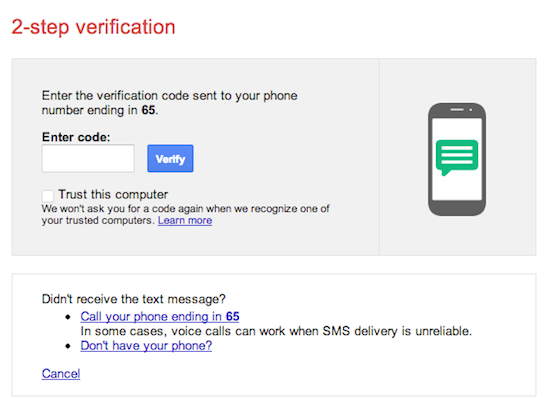
- Now it will take you to mobile verification page. Here select the option of Voice call and fill the no. that you got from the website (k7.net) .
- Now you will get a mail having verification code as voice mail on that account from which you have registered on. Go open it .
- Download the attachment file and listen the code, after that type the code of your voice mail in verification code and click OK .
Your account is ready now

No comments:
Post a Comment